This process is for verifying participants who attended a training in your Region but do not appear in your verification download because their home office is in another region (like charter organizations).
Only add users that you need to verify for a stipend if those users do not appear in your list and you have verified they have the correct LEA/District/Campus on their profile. Process all other learners as usual.
Update Last Name, First Name, TEA ID, Verified and Email columns
Save the CSV
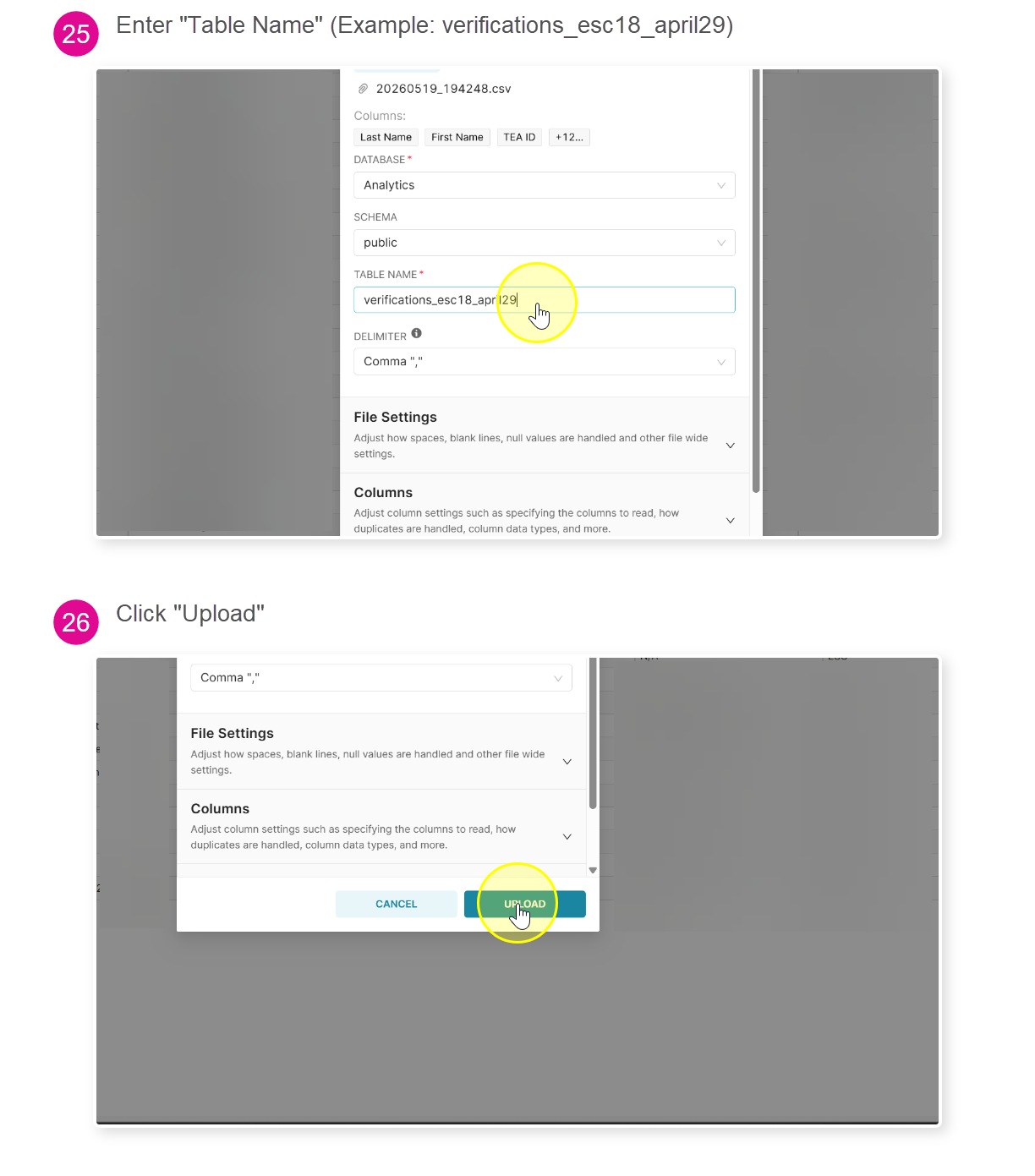
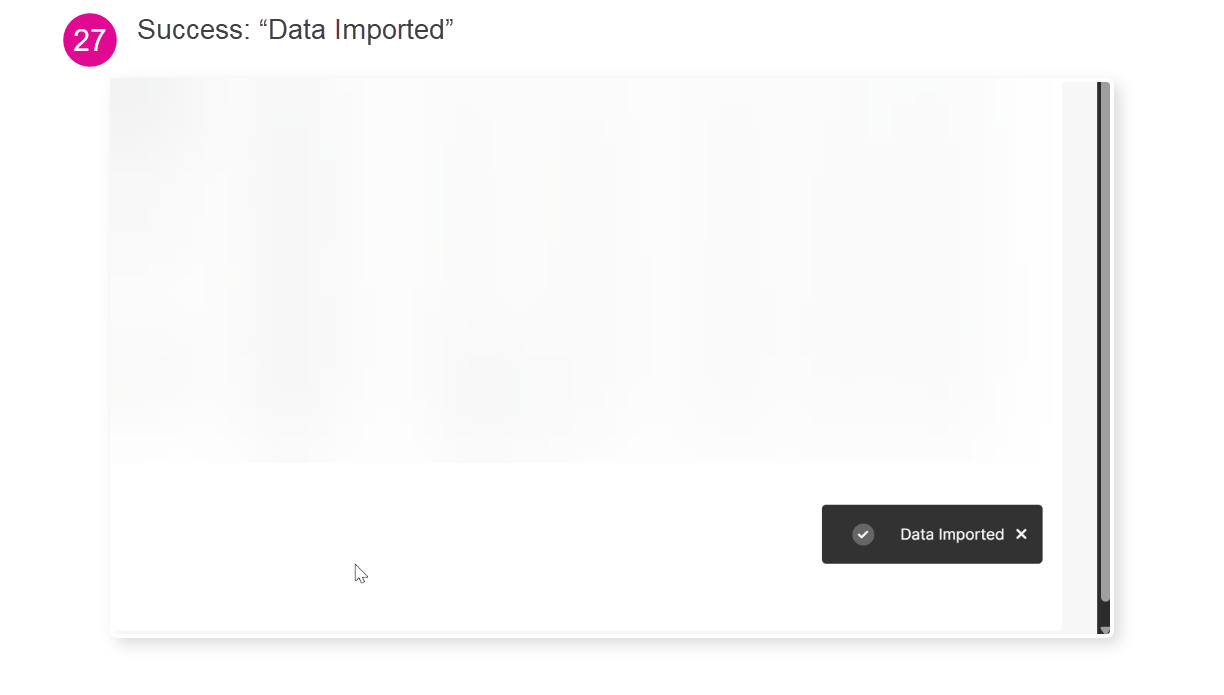
Upload the CSV as normal just append _charters to the Table Name (Example: verifications_escXX_june17_charters)
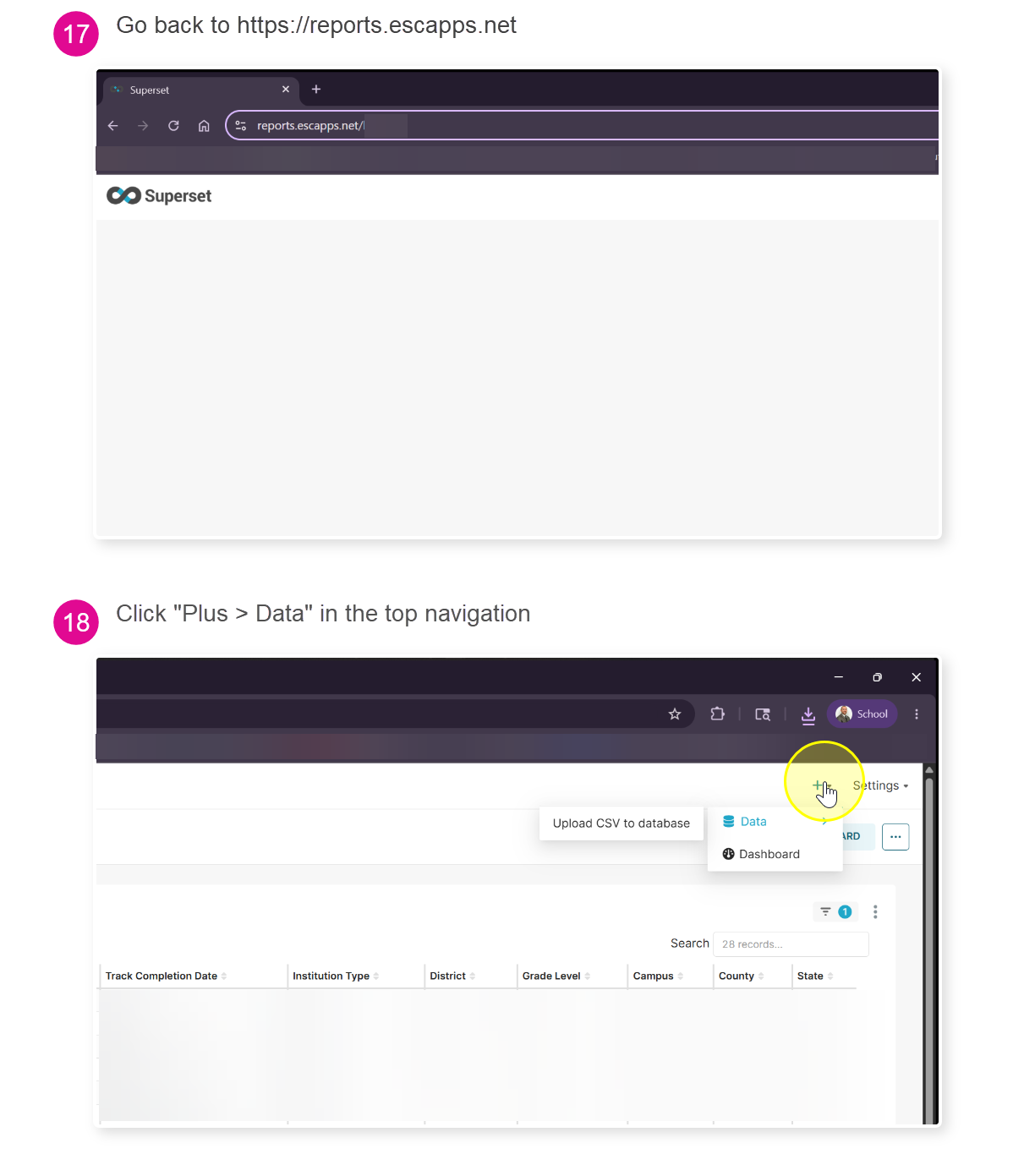
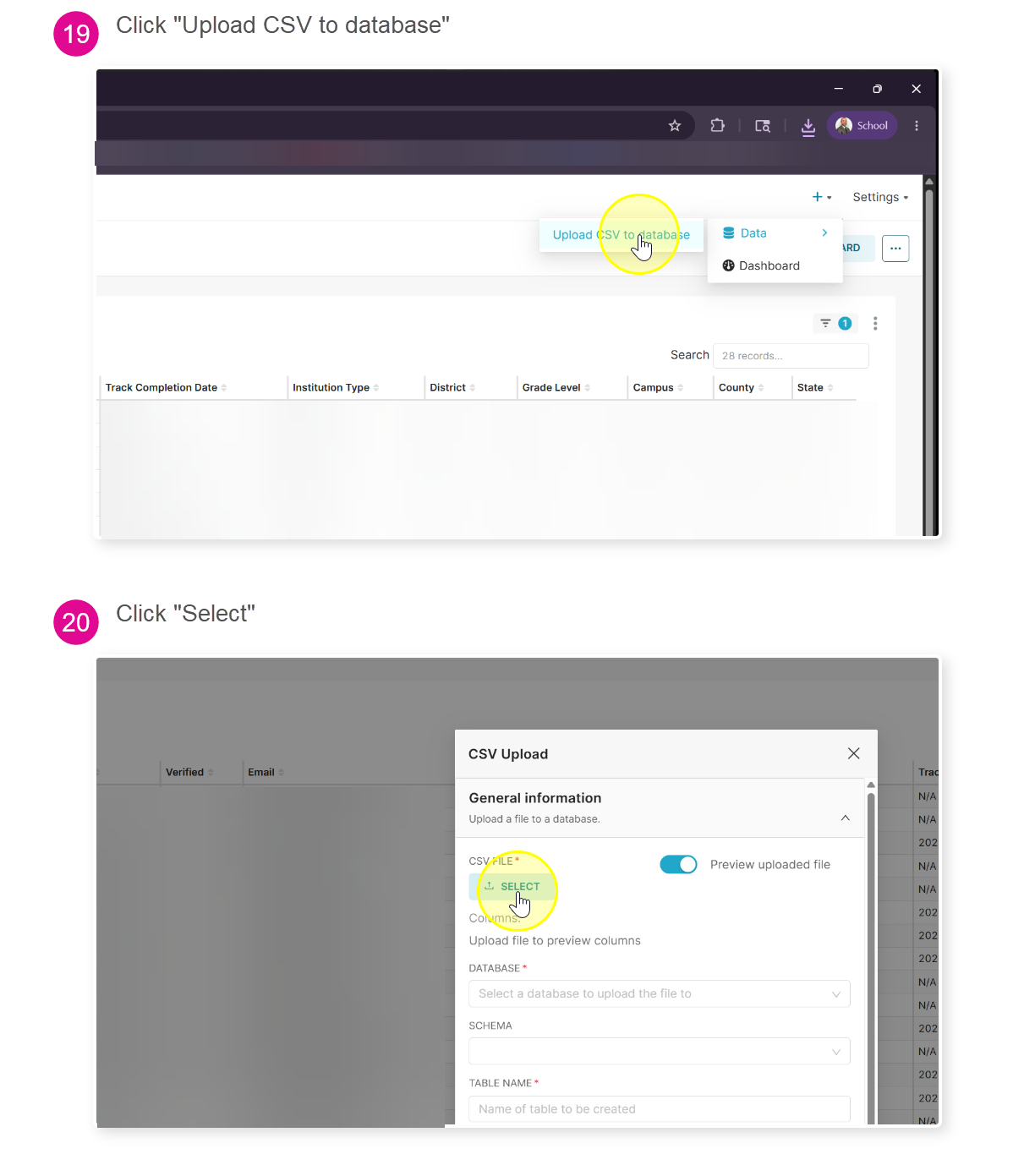
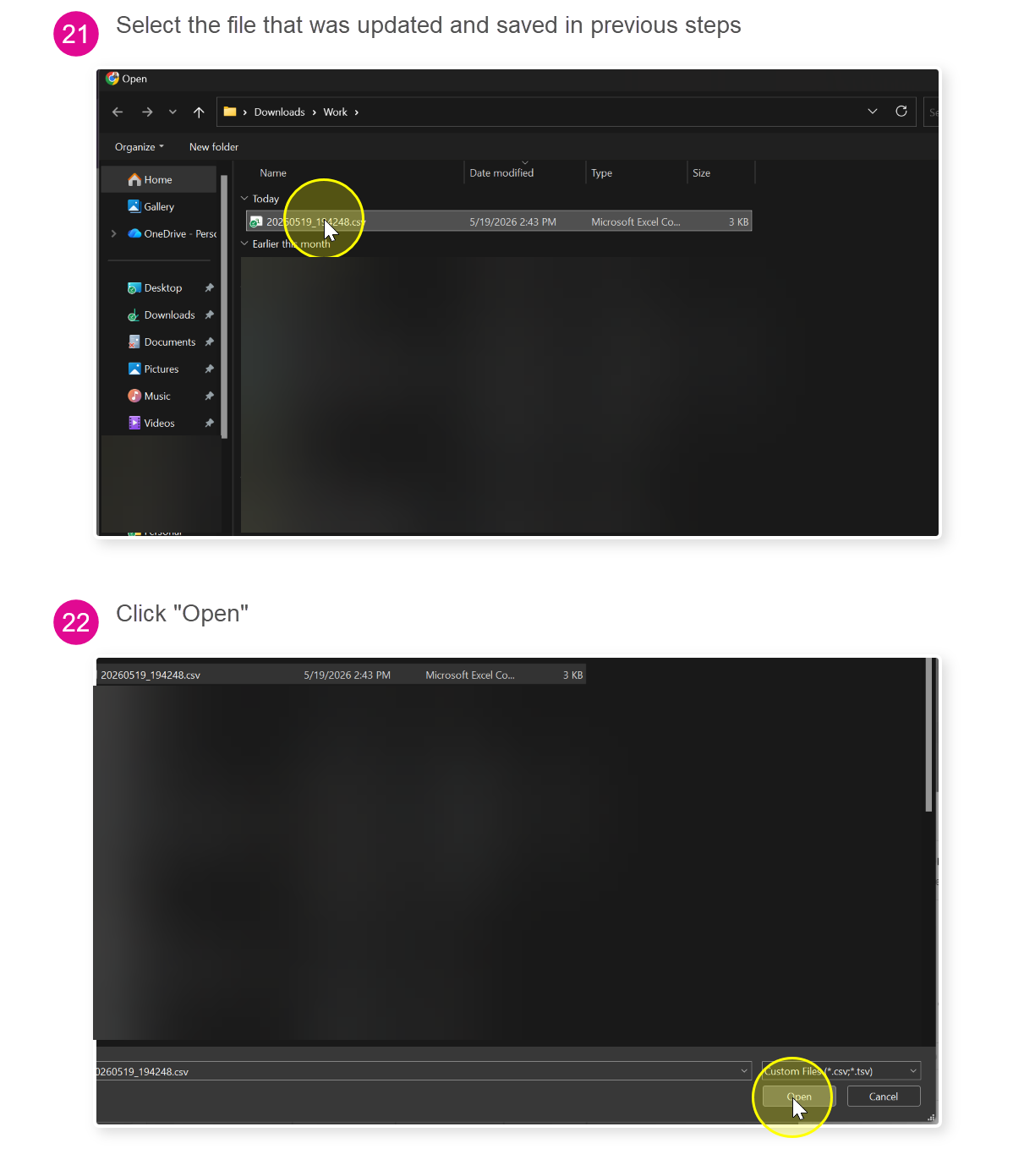
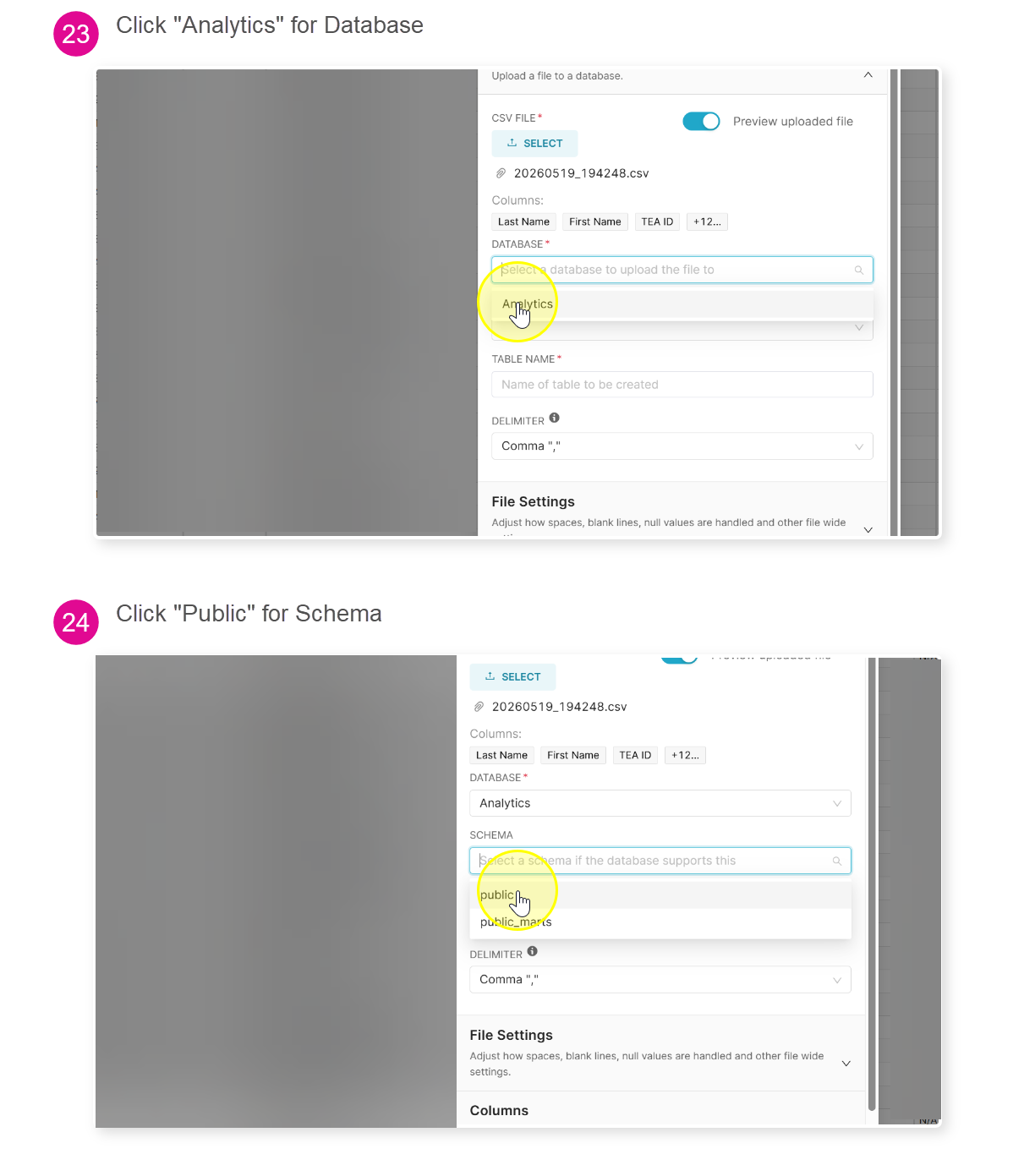
Upload the CSV as normal just append _charters to the Table Name (Example: verifications_escXX_june17_charters)
Was this article helpful?
That’s Great!
Thank you for your feedback
Sorry! We couldn't be helpful
Thank you for your feedback
Feedback sent
We appreciate your effort and will try to fix the article