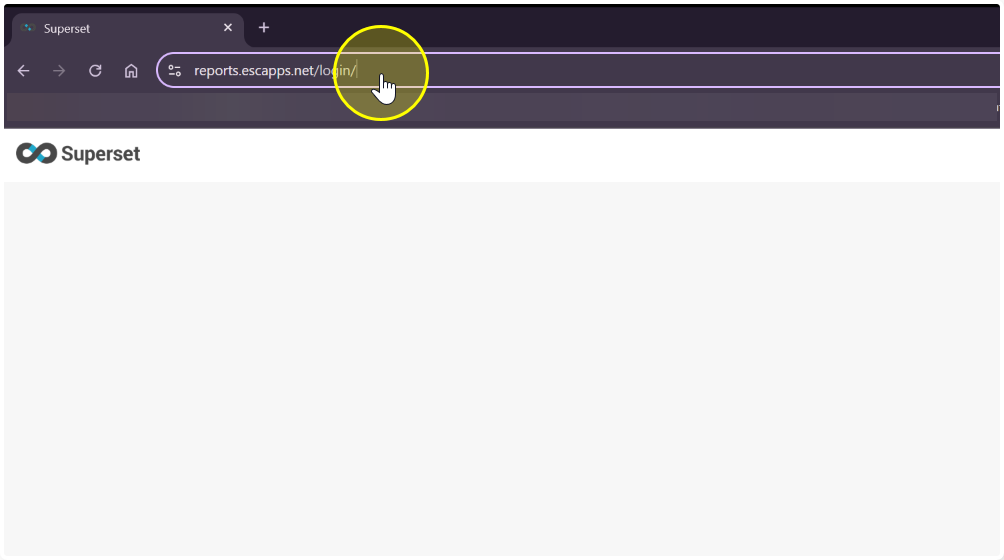
- Go to https://reports.escapps.net
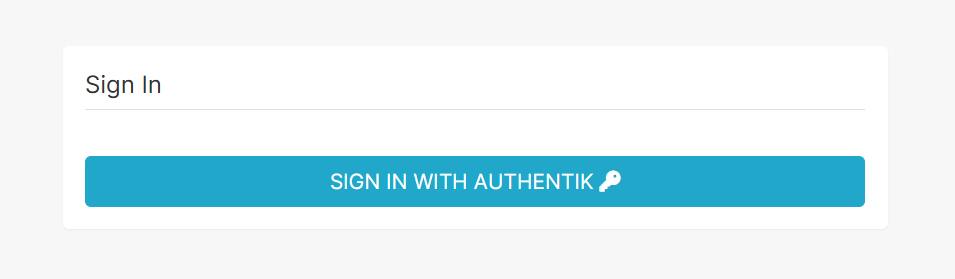
- Click, Sign in with Authentik
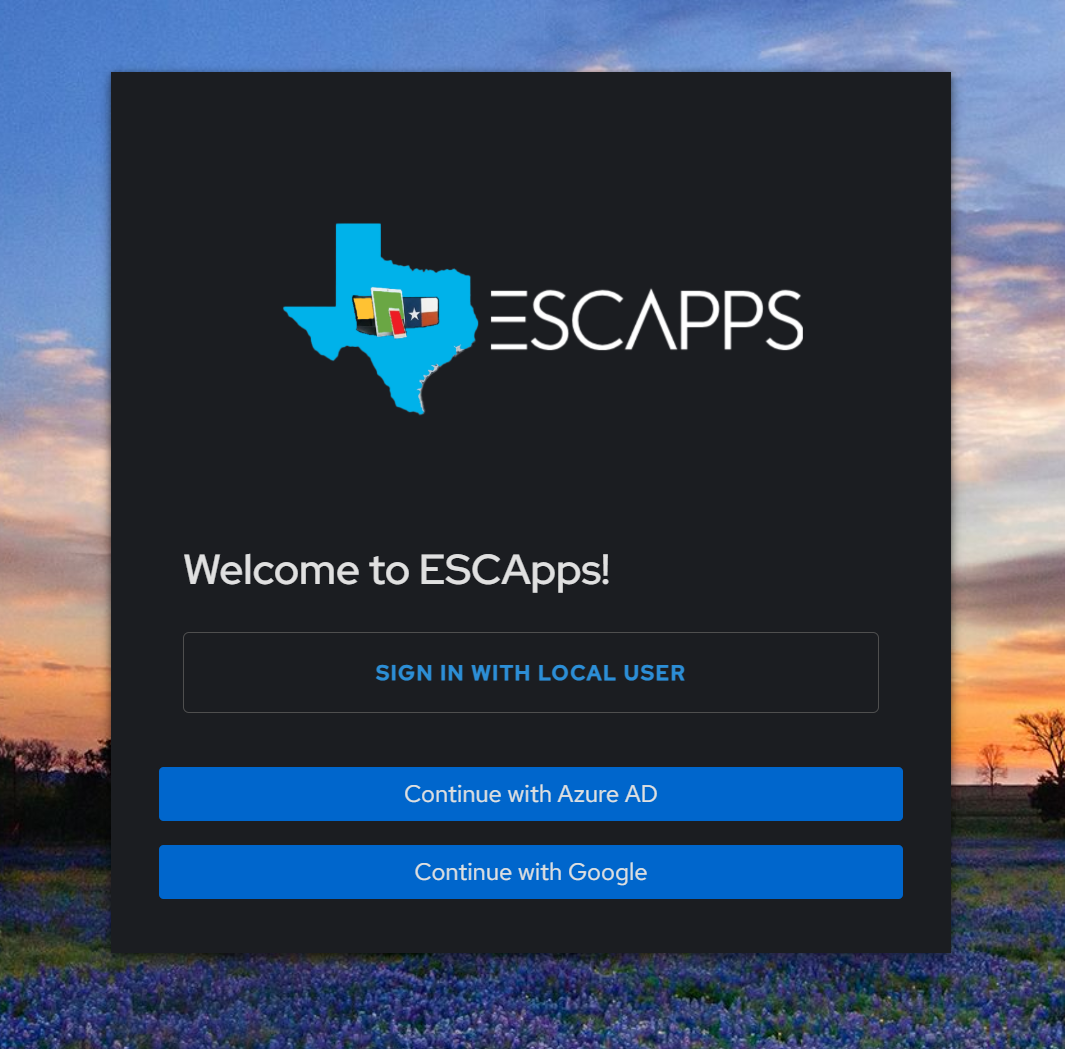
- Click, Continue with Azure AD or Google (Depending on your ESC email system)
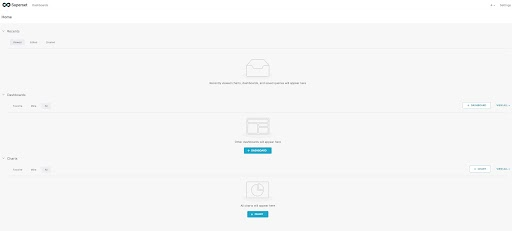
- Once you are logged in you will see a blank dashboard
- After successfully logging in,
- email support@texascivicsprogram.com
- Include your full name, email address and ESC#
- Once we have assigned permissions we will reply to your ticket to confirm
Was this article helpful?
That’s Great!
Thank you for your feedback
Sorry! We couldn't be helpful
Thank you for your feedback
Feedback sent
We appreciate your effort and will try to fix the article